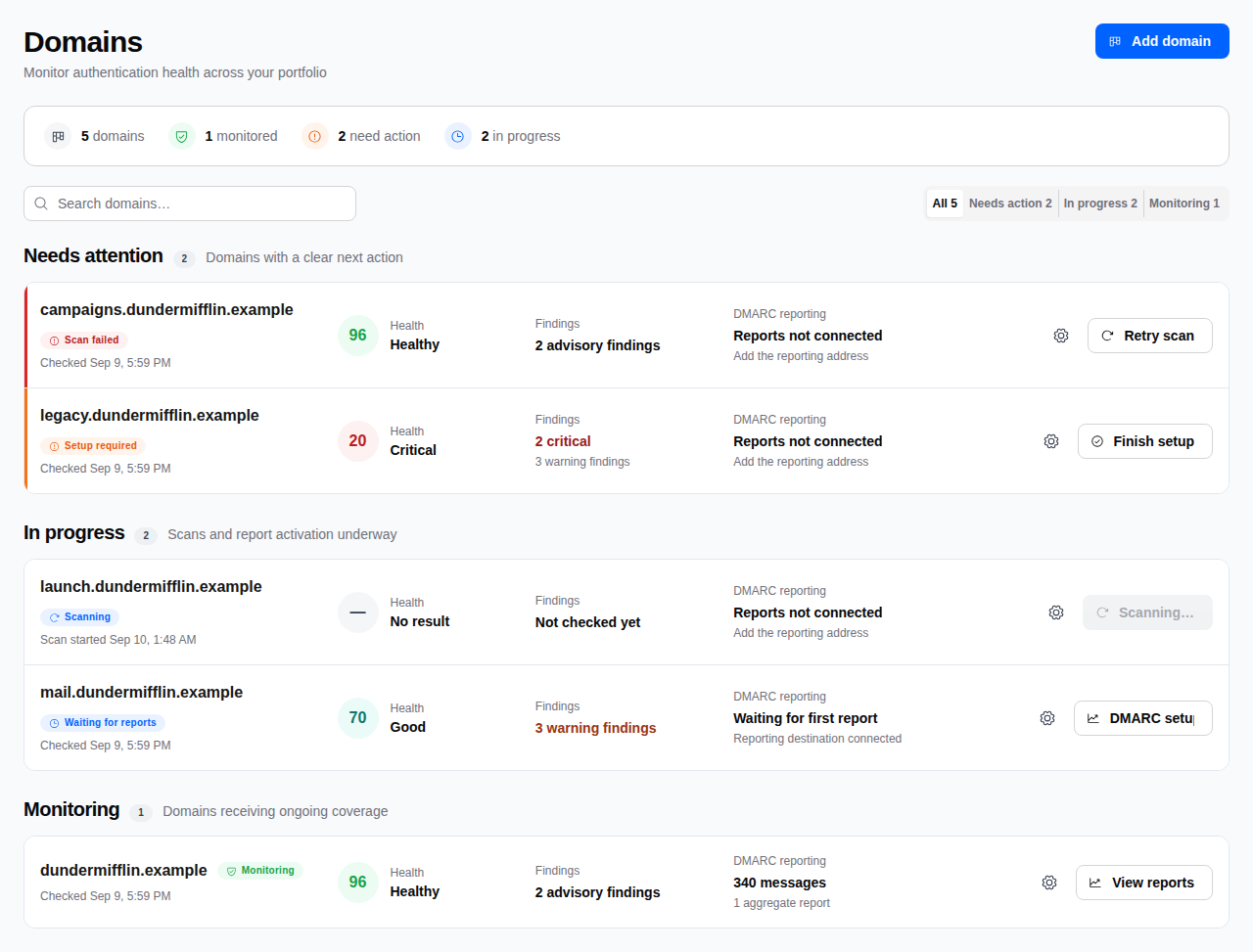
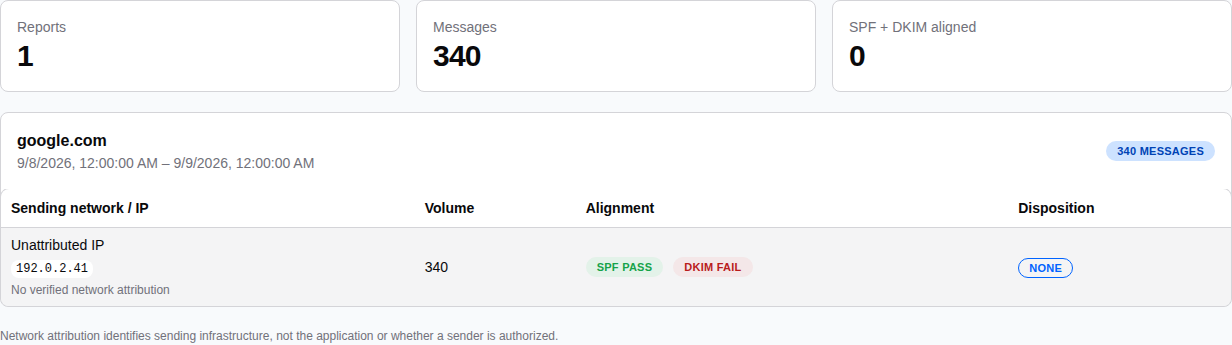
Next action in the appView reports to inspect sending activity.
One domain, one place to start. This sample domain is receiving reports. Open its findings to check the setup, or its reports to inspect sending activity. View full product screenshot ↗
Scheduled checksKeep checking your published email settings.
Change alertsGet notified when your email settings change.
Report historyReview authentication results across reports.
Make the report useful
Unknown sender? Start with the evidence.
A receiving server reports an IP and its authentication results. DemiSignal puts those details together so you can investigate.
An unattributed IP remains unknown. A failing result alone does not tell you who sent the message.
Failed or potentially spoofed traffic does not use your message allowance. Cancel in billing settings. Refunds are governed by Paddle's Refund Policy.
Questions, answered
Before you connect your domain.
What does the free scan include?
A one-off check of the email records published for your domain. No account or card is required. Ongoing checks, alerts, and DMARC report monitoring are paid.
What is a DMARC report?
A receiving mail server’s summary of messages sent as your domain. It includes sending IPs, message counts, authentication results, and how the receiver handled the messages. The free report analyzer reads one in your browser.
When will I see my first report?
After you add your reporting address, the first report commonly arrives within 24 to 48 hours. Each receiving provider controls its own reporting schedule.
Do I need to change my DNS?
The free scan only needs a domain name. For ongoing monitoring, someone with DNS access must add the private reporting address to the rua tag in your DMARC record.
Will connecting reports change my DMARC policy?
No. Adding the reporting address does not change enforcement. Collect a baseline at p=none, review legitimate senders, and fix problems before considering quarantine or reject.
Can you see my emails or recipients?
Standard DMARC aggregate reports do not contain email bodies or recipient addresses. They contain summarized authentication results. Your reporting address uses a private token rather than your account or customer name.
Which messages count toward my plan?
Only messages in accepted reports that pass DMARC through aligned SPF or DKIM count. Failed or potentially spoofed traffic stays visible and does not use your message allowance.